

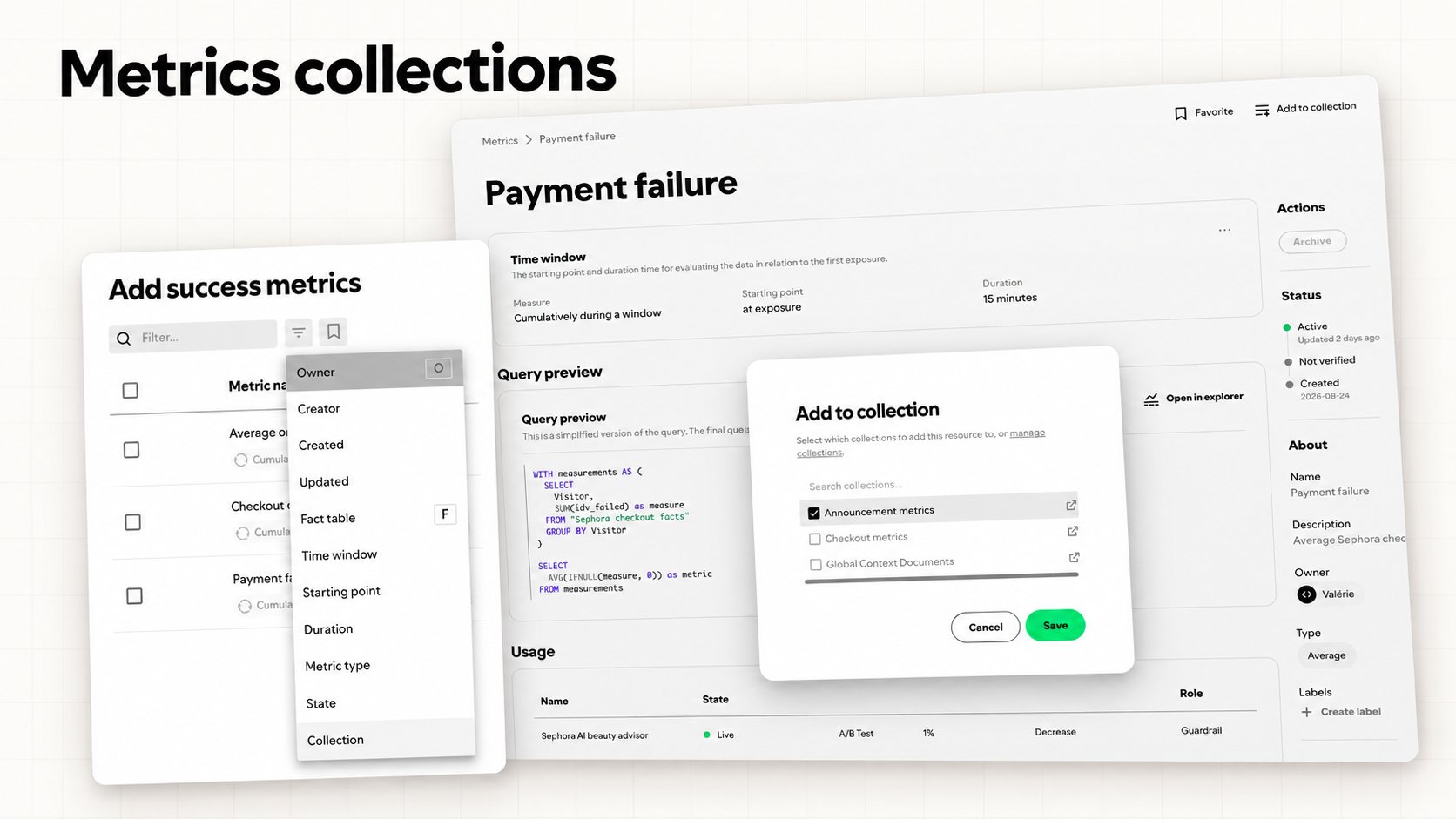
Organize and discover metrics with collections
Organize metrics with collections
Improved metric results view with new filters and CI scale control
Find Metrics Faster with Filters and CI Scale Control
The metric results view now offers new ways to find and compare metrics:- Metric filters: Search by metric name or filter by metric category to find the metric you are looking for.
- CI scale control: Compare confidence intervals on a shared scale across metrics, or switch to a per-metric scale.
- Computation timestamp: See the latest computation time for each metric.
- Surface association: See each metric’s associated surface.
More flexible targeting, metric exploration, and data administration
Target string values with contains
String targeting conditions now support contains, making it easier to match values when an exact, prefix, or suffix comparison is not appropriate.Reorder metrics in exploratory analysis
Metrics in the metrics explorer can now be reordered, giving you more control over how an analysis is organized and presented.Schedule materialized segment loads
Materialized segments support scheduled load jobs. Owners can configure when segment data should be refreshed and follow the status of those jobs.Additional improvements
- Use two data warehouses during a warehouse migration.
- Search for metric display names containing percent signs.
- Edit credential display names.
- Configure verified login domains through account administration.
- GitHub Enterprise Cloud repositories are supported by GitHub integrations.
Metric lifecycle management and improved flag configuration
Manage the metric lifecycle
Metrics can now be created as drafts and published when they are ready for use. Lifecycle states are visible in metric lists and pickers, and metrics can be archived or restored.Verified and code-managed indicators make it clearer which metric definitions have been reviewed or originate from a repository.Configure flag rules more easily
The flag rule creation flow has been redesigned with clearer targeting controls and a more focused configuration experience.Explore metric definitions
Open a metric directly in the metrics explorer with its relevant configuration already selected. Metric diagnostics also expose more of the data behind calculations.Additional improvements
- Filter the metrics catalog by lifecycle state.
- Select numerator and denominator filters in the metric explorer.
- Choose an owner when creating a materialized segment.
- Access documentation, the blog, and support through the header help menu.
Metric exploration and materialized segment details
Create metrics from the metrics explorer
The metrics explorer can now create a metric or measurement from the current analysis. Metric filters support contains and does not contain, and metric pickers show the preferred direction of each metric.Inspect materialized segments
Materialized segment details now include Bloom filter information, making storage and distribution characteristics easier to understand.Additional improvements
- Rollout schedule editing and validation are clearer.
- Group identities appear in identity selection.
- Theme names can be edited inline.
- Flag rule cards display readable country names instead of country codes.
More flexible flag management, surface filtering, and experiment configuration
Archive flags with active rules
Flags can now be archived without first removing all active rules. This simplifies cleanup while preserving the flag’s existing configuration and history.Filter experiments by surface properties
Experiment lists on surface pages can be filtered by property, making it easier to find experiments that affect a particular part of a surface.Additional improvements
- Randomization and allocation can be optional where the workflow supports it.
- Metric SQL previews correctly support
LIKEfilters. - Exposure filters are preserved when metric data is updated.
- The updated flag page is now the default experience.
Fact table dimensions, automatic flag cleanup, and improved multi-variant experiments
Explore fact table dimensions
Explorations can now use dimensions from the fact table that backs a metric, in addition to dimensions from related dimension tables.Automate flag cleanup
Automatic flag cleanup runs scheduled checks for unused flags. Agents can remove unused flags from your codebase and archive them in Confidence. The first release supports GitHub and Cursor, with more integrations and cleanup capabilities planned.To get started, go to Flags and select Cleanup.Filter ratio metric numerators
Ratio metrics now support filters that apply only to the numerator. This gives you more control over which events contribute to the numerator without changing the denominator.Configure multi-variant experiments
Experiments with more than two variants now have simpler weight selection. The transition from an A/B test to a rollout also preserves multi-variant configurations more smoothly.Additional improvements
- Confidence has an updated look and feel, which is rolling out gradually.
- Cloudflare telemetry is more reliable.
Webhooks, HyperLogLog metrics, and activity feeds
Receive activity notifications through webhooks
Webhooks can send Confidence activity notifications to your HTTPS endpoint. Use them with external systems, monitoring tools, or custom notification workflows.Use HyperLogLog metrics
Confidence now supports HyperLogLog metrics for approximate distinct counts over large datasets.Follow resource activity
The home page now includes an activity feed for important events from resources you follow. You automatically follow resources that you create.Additional improvements
- Result pages load faster.
- Selecting environments in flag rules is easier.
A redesigned report editor and experiment workflow improvements
Create richer reports
The report editor has been redesigned. It now includes templates, an AI writing assistant, more formatting options, image uploads, and metric tables. Open it from the Reports tab of any live or completed experiment.Target string prefixes and suffixes
New starts with and ends with criteria support rules such as targeting users whose email address ends with a specific domain. This capability is available as a beta.Coordinate experiments with exclusivity guidance
Exclusivity groups can now be marked as required or suggested for a surface. These settings make the intended coordination between experiments clearer.Estimate experiment duration
The updated sample size calculator is now available to everyone. It estimates how many days an experiment design requires and provides a visual breakdown of its sample size requirements.Additional improvements
- Ratio metrics support numerator-only filters.
- Configure the initial reach of a rollout from the sidebar.
- Launch and end notifications in Slack include the hypothesis, variants, targeting, results, surfaces, and owner.
- Entity pages support editing more properties, including the display name.
AI experiment reviews, expanded MCP tools, and sample size forecasting
Review experiments with AI
The AI review agent is now available to everyone. It helps teams review their experiments autonomously against your organization’s guidelines.Inspect flags through MCP
The Flag MCP server has three new capabilities:- Pass
summary=falsetogetFlagto retrieve detailed rule configurations and timestamps. - Use
getFlagHistoryto see who changed a flag, which fields changed, and when. You can filter the history by date range. - Use
getIdentityInfoto resolve identity references to readable names when reviewing flag history.
Forecast experiment duration
The sample size calculator beta now estimates expected traffic, shows how expected and required sample sizes change over time, and predicts how many days an experiment needs to run.Access experiments through MCP
The new Experiments MCP server is available as a beta. AI agents can list experiments, inspect individual experiments, read results, and retrieve related metric and fact table definitions.Labels, local OpenFeature providers, and SDK improvements
Organize resources with labels
Labels are now available for flags, metrics, A/B tests, and rollouts. Create your own labels to categorize resources and make them easier to find.Resolve flags locally
Production-ready local OpenFeature providers are now available for Go, JavaScript, Java, and Rust. They provide near-zero-latency flag resolution and greater resilience.Additional improvements
- Select all metrics returned by a search in the metric picker.
- Boolean flags automatically populate treatments when you create an A/B test.
- Large exploratory analyses load faster.
- The Go OpenFeature provider supports native Go structs for stronger type safety and less parsing.
- The JavaScript OpenFeature provider includes React and Next.js utilities for server-side and client-side feature flags.
Early previews for AI reviews and labels, plus experiment design improvements
Choosing proxy metrics
Our new article, When proxy metrics shape product development, explores the risks of optimizing for a metric that only approximates the outcome you care about.Early previews
- An agentic review assistant can check whether rollouts and A/B tests follow your organization’s guidelines.
- Metric labels let you annotate and organize metrics with your own labels.
Additional improvements
- Minimum detectable effect (MDE) is now optional for success metrics.
- The hypothesis is now in the main experiment design area instead of the sidebar.
Environment-specific flag rules and targeting suggestions
Configure environments
Environments separate flag behavior across deployment stages such as development, staging, and production. Use the same client in several environments while assigning different credentials to each one.Flag rules can now apply only in selected environments. To get started, configure your environments, assign client credentials, and add environments to your flag rules.Get targeting value suggestions
Confidence can suggest recently used values when you configure targeting. Mark non-personally identifiable information (non-PII), such as an app version, in your context schema override to enable suggestions for that field.Additional improvements
- React to comments and review responses with emoji.
- View rollout progress in the overview table.
- Set and format hypotheses with Markdown more easily.
- Flag filter conditions have a clearer visualization.