> ## Documentation Index
> Fetch the complete documentation index at: https://confidence.spotify.com/llms.txt
> Use this file to discover all available pages before exploring further.
# Surfaces
> Use surfaces to organize your experiments with a focus on your product.
When multiple teams experiment in the same app or on the same website they often need to work
together and be aware of each other. Surfaces is a concept in Confidence that facilitates this
collaboration.
Watch this video to get an introduction to surfaces and learn how to organize, coordinate, and configure experiments with surfaces.
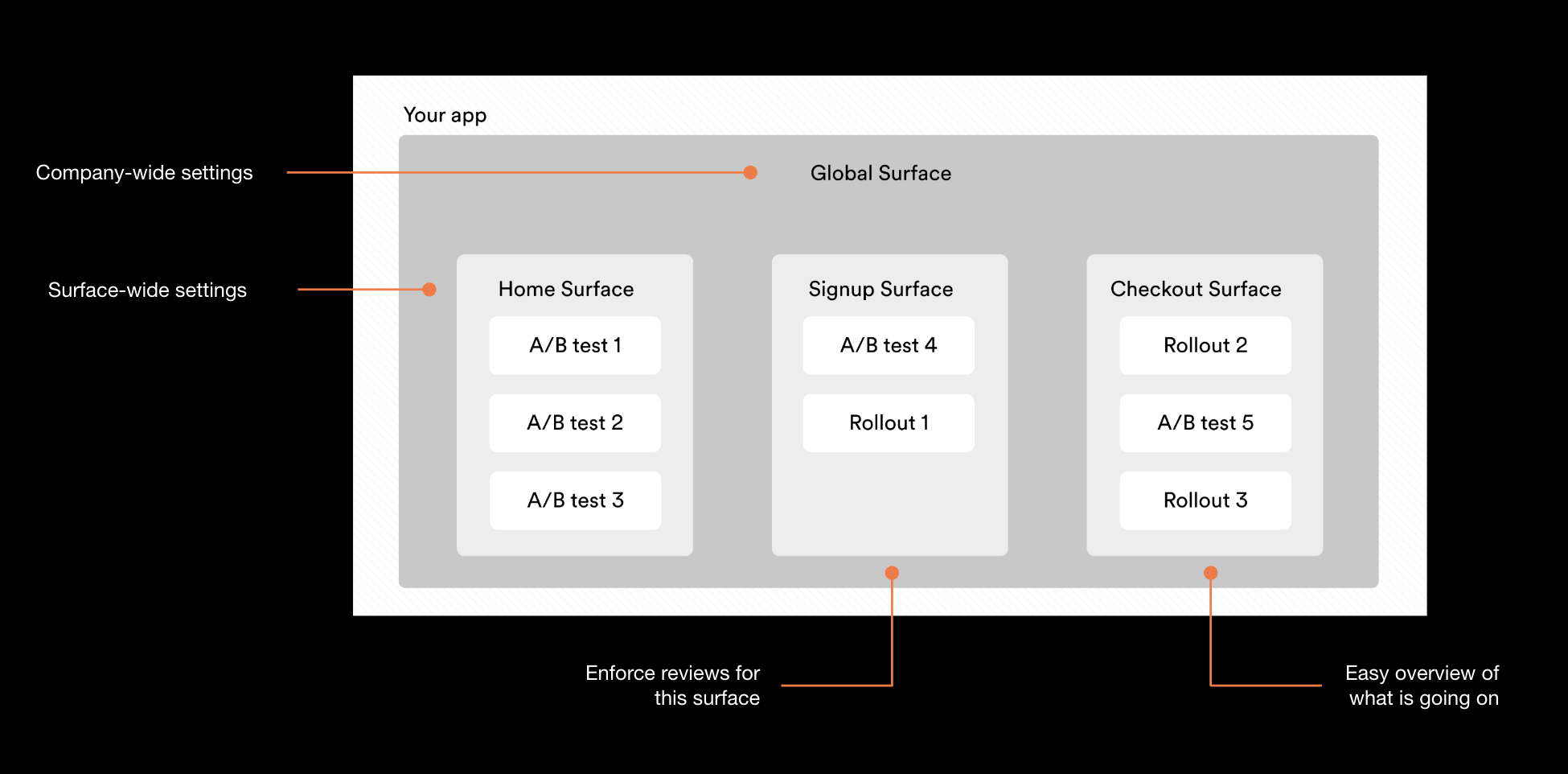
Think of a surface as a logical representation of some part of your app or website, under which you
can organize experiments. A surface becomes a natural place where folks in your company can go to
see which experiments are running and what's coming up for a particular part of the
product. For example, customer support can quickly go in and see what kind of experiments are
running if a user reports a problem on a particular page.
## Surface Settings
The surface owner and admins can configure the
[surface settings](./surface-settings) which include creation of exclusivity groups and holdbacks,
notifications, required metrics, automatic actions, and reviews.
## Related Resources
Configure exclusivity groups, holdbacks, and reviews
Use surfaces to coordinate experiments
Make experiments mutually exclusive
Configure surface notifications
 ## Surface Settings
The surface owner and admins can configure the
[surface settings](./surface-settings) which include creation of exclusivity groups and holdbacks,
notifications, required metrics, automatic actions, and reviews.
## Related Resources
## Surface Settings
The surface owner and admins can configure the
[surface settings](./surface-settings) which include creation of exclusivity groups and holdbacks,
notifications, required metrics, automatic actions, and reviews.
## Related Resources