> ## Documentation Index
> Fetch the complete documentation index at: https://confidence.spotify.com/llms.txt
> Use this file to discover all available pages before exploring further.
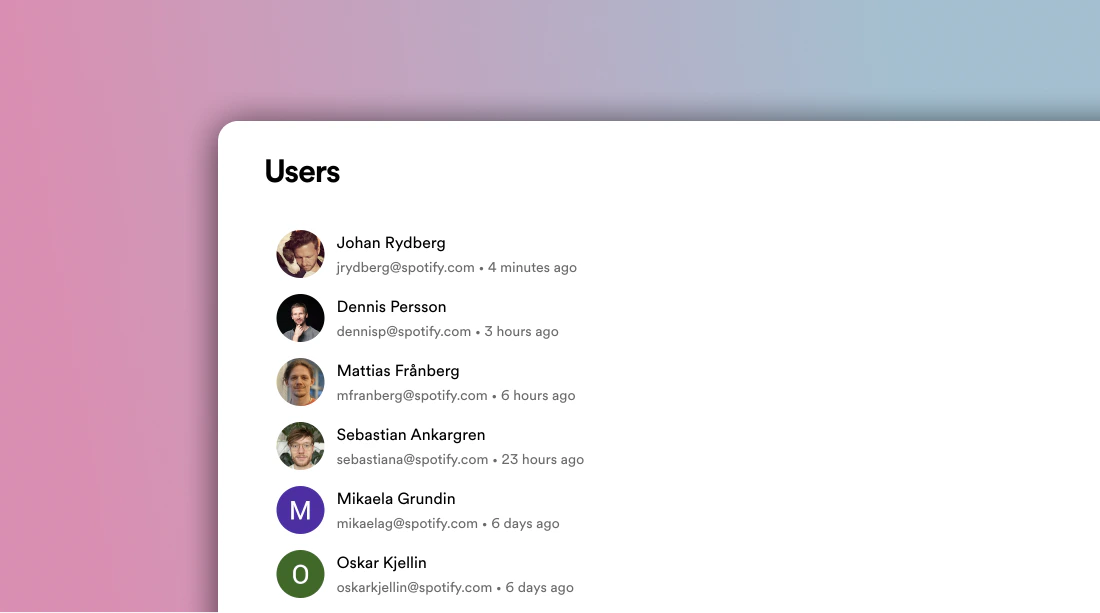
# Users
> Manage access to Confidence by adding and removing users.
 ## Single Sign-On (SSO) {{ id: "sso" }}
Confidence supports single sign-on (SSO) using Google as the identity provider.
To enable SSO, reach out to the Confidence team.
With SSO, users can log in directly without first receiving an invitation.
Confidence creates a user for them the first time they log in.
## Invite Users
If you're not using SSO, you must invite a user to give them access to
Confidence. Inviting a user sends them an email with a link to create an
account.
Invitations expire after 7 days. If the user doesn't accept the invitation
within 7 days, you must invite them again. You can manually expire an
invitation by clicking the trashcan icon next to it.
## Related Resources
Overview of identity and access management
Organize users into groups
Understand roles and permissions
Grant permissions to users
## Single Sign-On (SSO) {{ id: "sso" }}
Confidence supports single sign-on (SSO) using Google as the identity provider.
To enable SSO, reach out to the Confidence team.
With SSO, users can log in directly without first receiving an invitation.
Confidence creates a user for them the first time they log in.
## Invite Users
If you're not using SSO, you must invite a user to give them access to
Confidence. Inviting a user sends them an email with a link to create an
account.
Invitations expire after 7 days. If the user doesn't accept the invitation
within 7 days, you must invite them again. You can manually expire an
invitation by clicking the trashcan icon next to it.
## Related Resources
Overview of identity and access management
Organize users into groups
Understand roles and permissions
Grant permissions to users